Here are a few book covers I’ve created, along with movie posters I designed for Husets Biograf Theatre in Copenhagen, and examples of my work on technical manuals and email marketing.
Book Covers
I’ve written a wide variety of books and designed the covers for them as well. These include the booklets I wrote for corporate purposes and the books that I’ve published. I used several tools to create these, primarily Microsoft Word, Google Docs, and LibreOffice to write the contents; and Illustrator and InDesign to design the covers and layout the pages.
Corporate Booklets
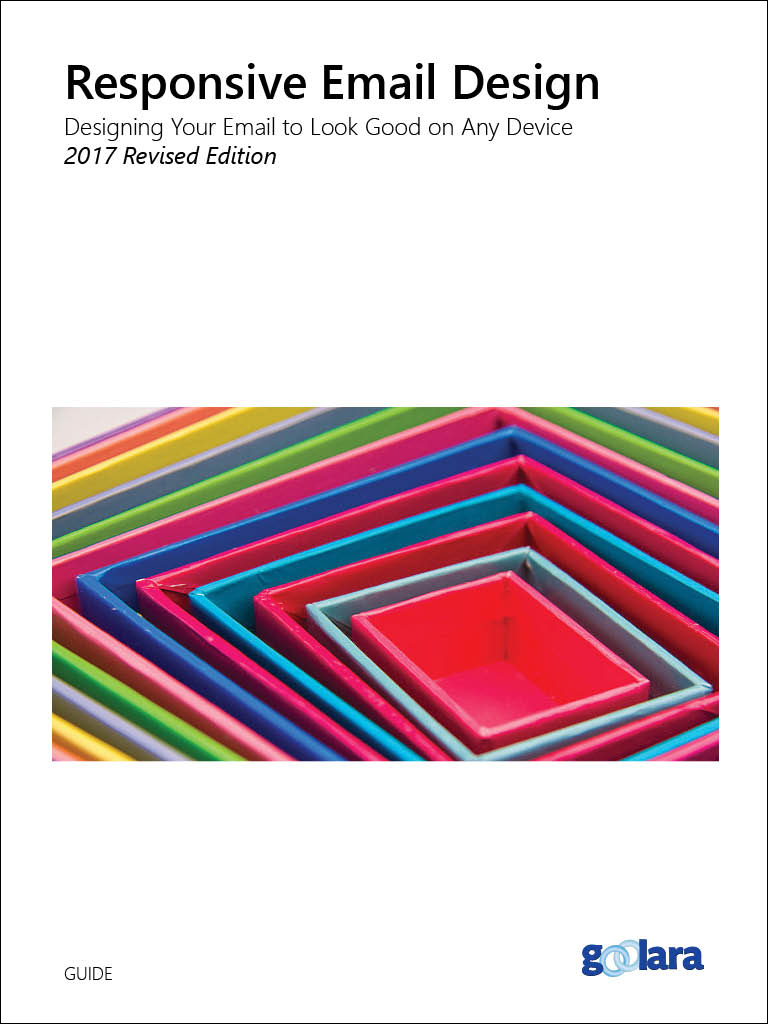
Starting in a serious business vein, I wrote this guide for Goolara, an East Bay email marketing software provider. I used a stock image for the cover because it suggests the way responsive email design works. The booklet was created with Adobe InDesign and then converted into various ebook formats using Calibre.
Design Software:
Adobe Illustrator
Adobe Photoshop
Adobe InDesign
Other Software:
LibreOffice
Calibre

At the time I created this cover, I found myself drawn to artwork that used multicolored images. I thought about a few designs that would play on the video aspect, but decided to create this frenetic @ symbol instead; evoking the eye-catching movement of video yet referring it back to email.
Design Software:
Adobe Illustrator
Adobe Photoshop
Adobe InDesign
Other Software:
LibreOffice
Calibre
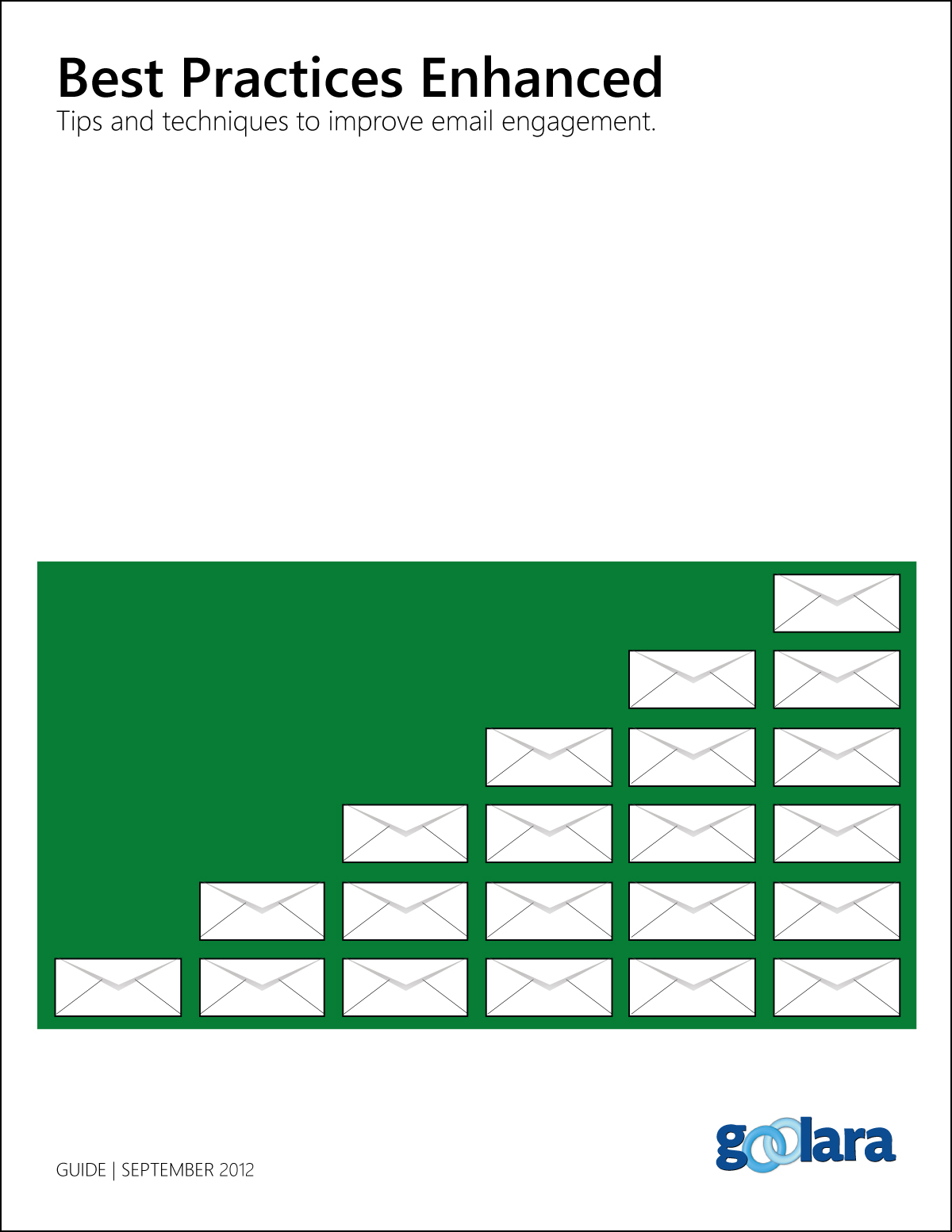
One of the first guides I created for Goolara was a Best Practices Guide. I kept the same design scheme throughout this series with different colors for the various booklets. The booklets were then converted to various ebook formats, including epub, mobi, and PDF.
Design Software:
Adobe Illustrator
Adobe Photoshop
Adobe InDesign
Other Software:
LibreOffice
Calibre
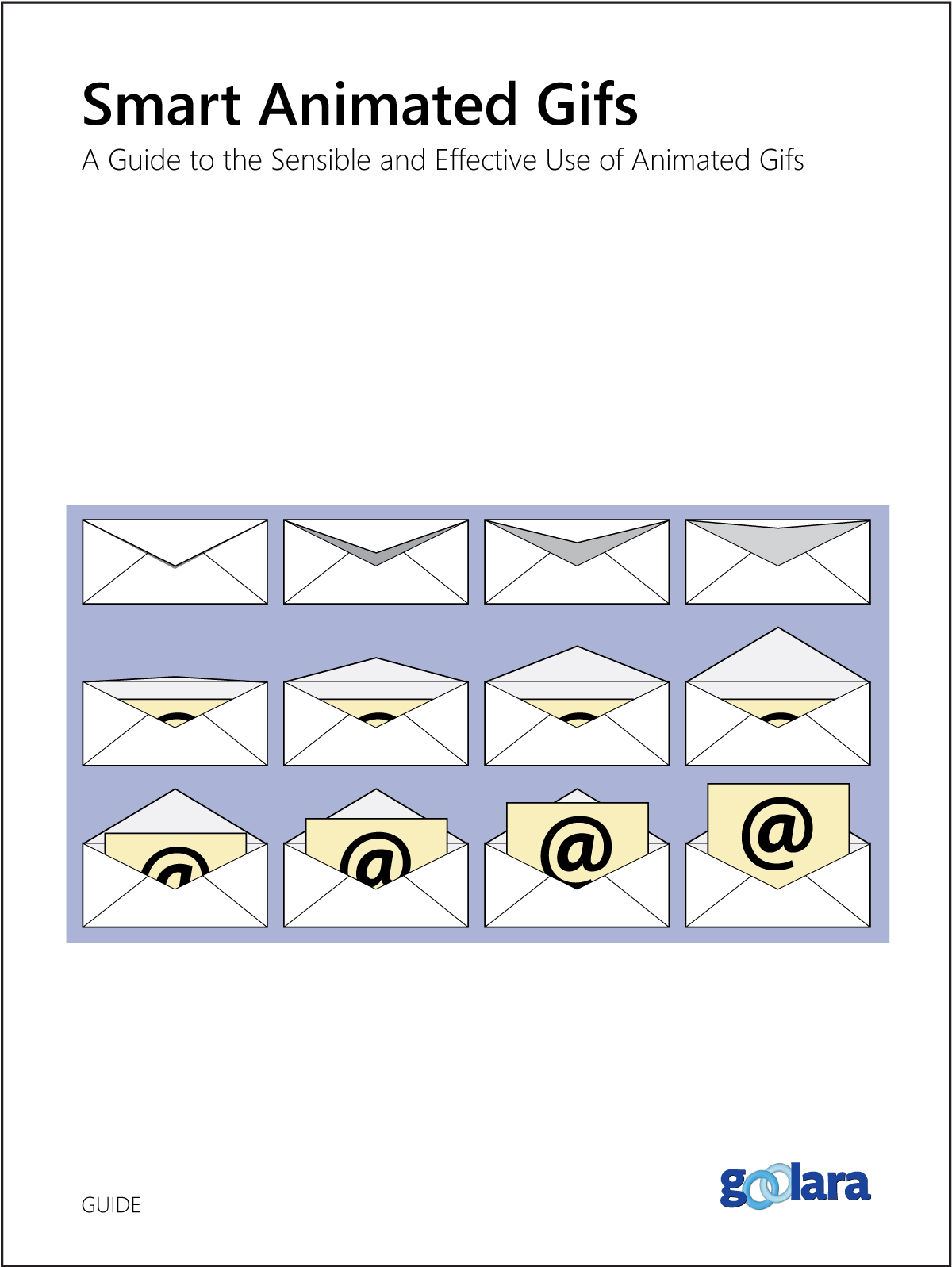
After a while, to keep up interest, I moved away from the initial design while maintaining a recognizable continuity to the previous guides.
Design Software:
Adobe Illustrator
Adobe Photoshop
Adobe InDesign
Other Software:
LibreOffice
Calibre
My Own Books
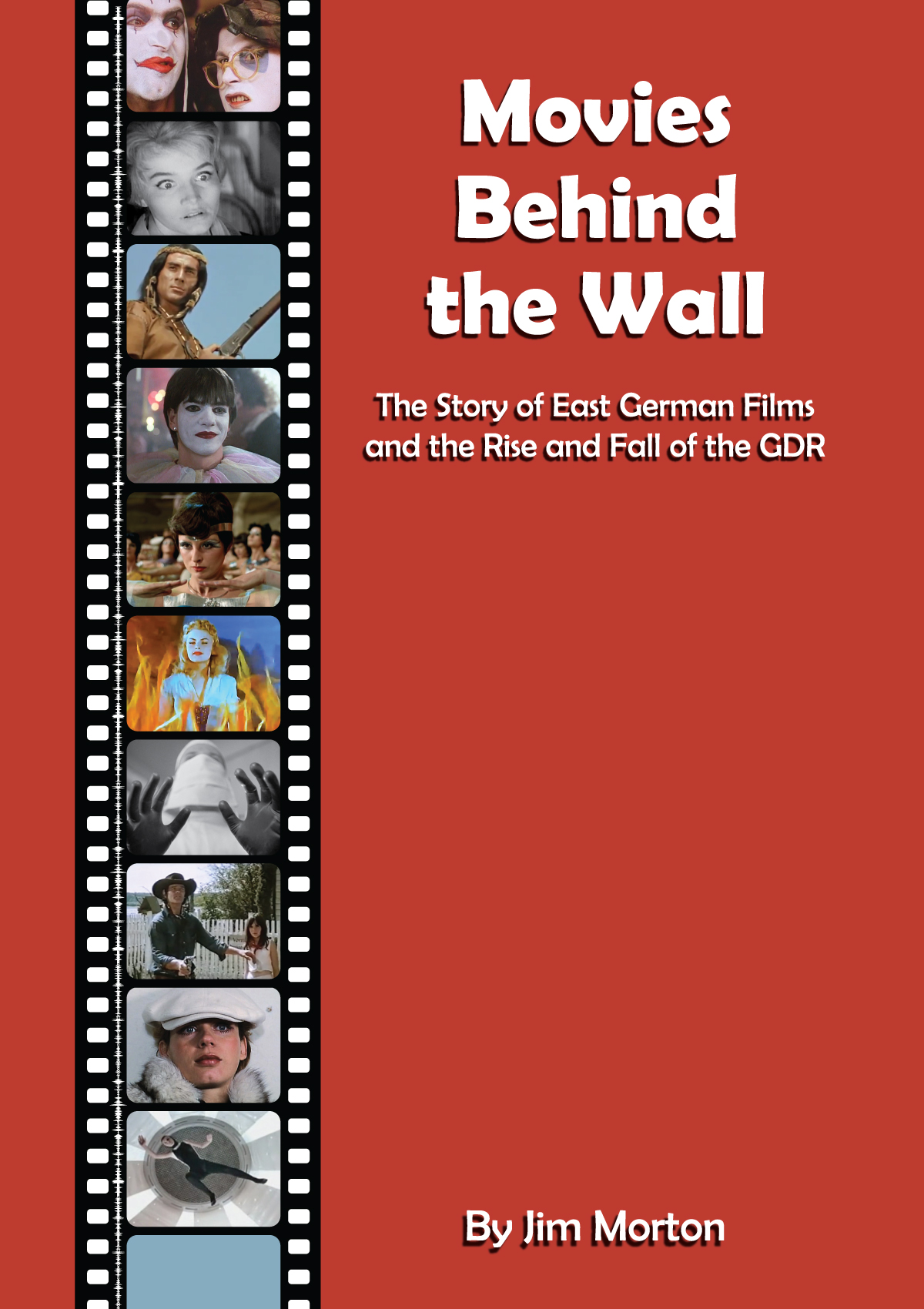
This cover for my book on East German movies involved combing through dozens of clips from East German films and choosing the ones that best showed the range of films that were made in the former GDR. The film strip was created from scratch in Illustrator, right down to the sound strip. The typeface used was, fittingly enough, The Font Bureau’s Berlin Sans.
Illustration Software:
Adobe Illustrator
Adobe Photoshop
Text Software:
Google Docs
Microsoft Word
Kindle Create
Calibre

I was able to create this cover quickly in Illustrator.
Illustration Software:
Adobe Illustrator
Additional Software:
Google Docs
Microsoft Word
Kindle Create
Calibre

This is a novelization of a low-budget B film from the 1955 movie of the same name. I was trying to create something that reflected the lurid quality of the film while imitating the cheap paperbacks of the era.
Illustration Software:
Adobe Illustrator
Adobe Photoshop
Additional Software:
Google Docs
Microsoft Word
Kindle Create
Calibre
Posters

The Husets Biograf Theatre in Copenhagen, contacted me about doing a poster that would imitate the garish exploitation posters that were popular in the mid-sixties. I went with this gradient to imitate the look of split fountain printing. The floating heads were another popular feature of posters back then.
Software:
Adobe Illustrator
Adobe Photoshop

Another popular style feature for posters in the sixties was a yellow background. You see it on dozens of posters from this era. It worked well for this double bill of sixties Hollywood films. Husets Biograf wanted more explanatory text on this poster.
Software:
Adobe Illustrator
Adobe Photoshop
Google Docs

For the film noir festival, I decided to go with an image taken from a pulp novel cover by Rudolph Belarski. Since the poster was going to be quite a bit larger than the original illustration, I used the Image Trace feature in Illustrator to convert the picture from a bitmap to a vector image.
Software:
Adobe Illustrator
Adobe Photoshop
Google Docs

This film noir bill didn’t require anything other than images from the two movies being shown. The choice of yellow here came from the original Tarnished Angels posters.
Software:
Adobe Illustrator
Adobe Photoshop

The Godzilla image in the poster was composited and colored in Photoshop from several sources. The atomic breath ray was created in Illustrator, then placed in Photoshop for the final image.
Software:
Adobe Illustrator
Adobe Photoshop

Originally, this poster featured a flat lavender background, but, to keep it interesting, I added the knife pattern, which went over well.
Software:
Adobe Illustrator
Adobe Photoshop

An example of the power of computer design software. A slanted gradient like this would be nearly impossible using an actual split fountain on an offset press. The blurbs here were written directly in Illustrator.
Software:
Adobe Illustrator
Adobe Photoshop

I created the corner ornaments in Illustrator from a one found in old books. The Fiend Without a Face creatures were drawn in Illustrator based on anatomy illustrations. The devil heads were created using Image Trace. The B&W photos were converted to duotones in Photoshop.
Software:
Adobe Illustrator
Adobe Photoshop
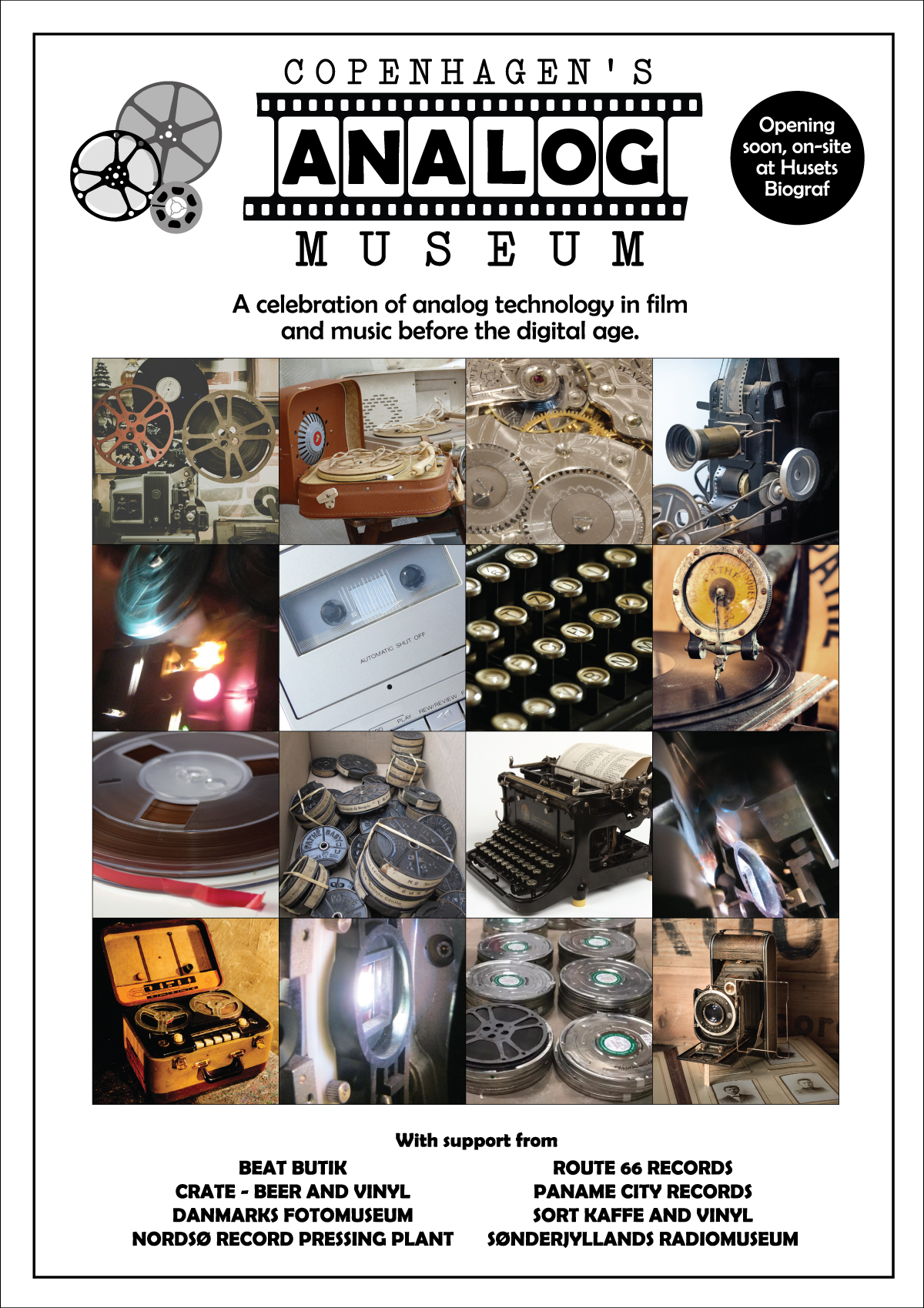
The Analog Museum at Husets Biograf said they wanted something that looked different from the movie posters. Something that would show the range of analog technology that existed before things went digital. The logo was created from scratch in Illustrator.
Software:
Adobe Illustrator
Adobe Photoshop

This poster was the first of a series of posters for the “Keeping It Real” series at the Husets Biograf. These were nights when all the movies (and televisions episodes) were screened using 16mm and 35mm film prints. I used a different stylistic approach to identify this series and separate it from the other films shown at the theater.
Software:
Adobe Illustrator
Adobe Photoshop
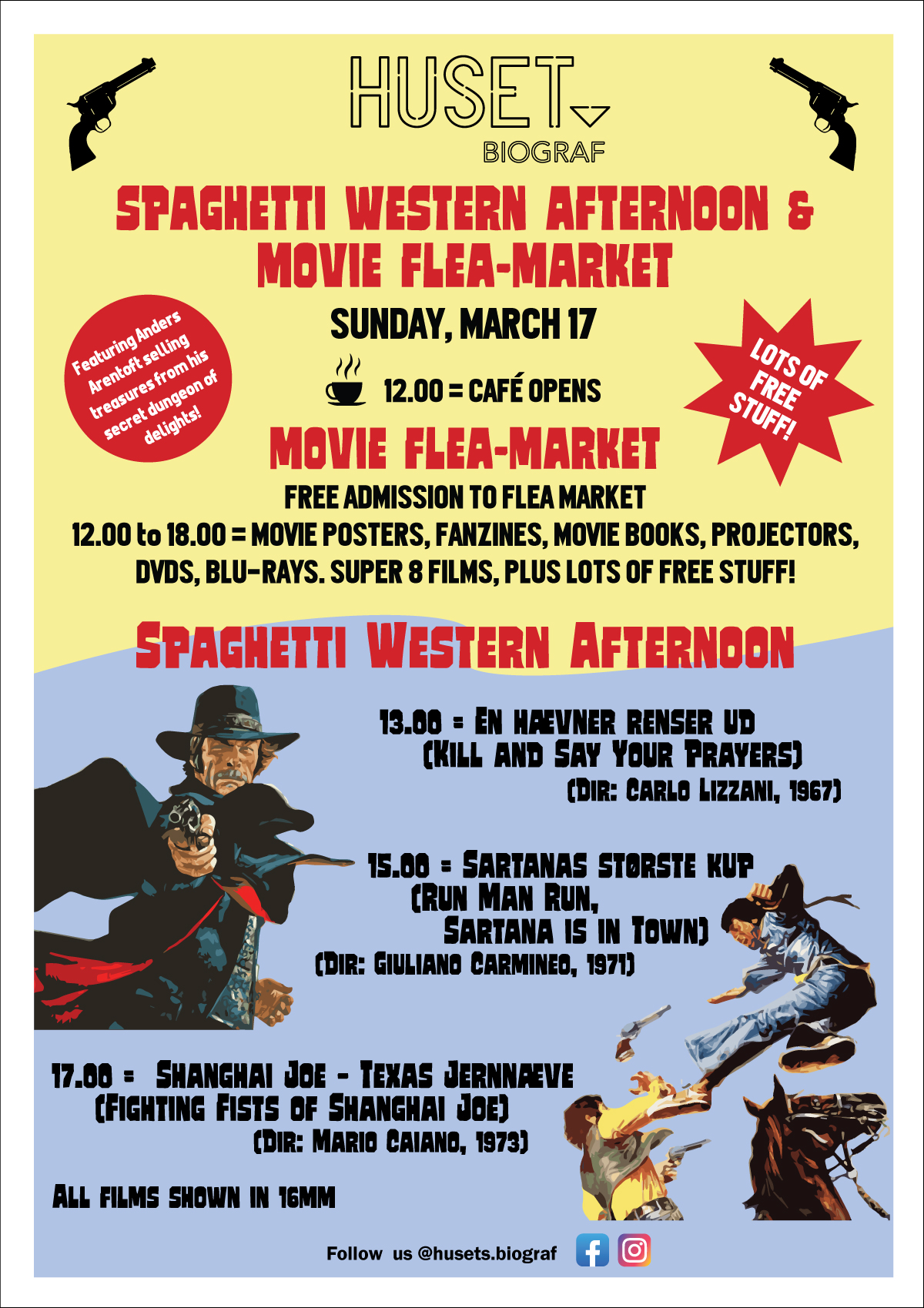
A triple-bill film screening and a free movie flea market were happening on the same day. Since the two events were separate, I opted for a strong delineation between the two events. The images were converted to vector graphics using Image Trace.
Software:
Adobe Illustrator
Adobe Photoshop
Other Graphics

I also wrote and illustrated product manuals. Here are three example pages taken from manuals I created for Powis Parker.
Software:
Adobe Illustrator
Adobe Photoshop
Adobe InDesign
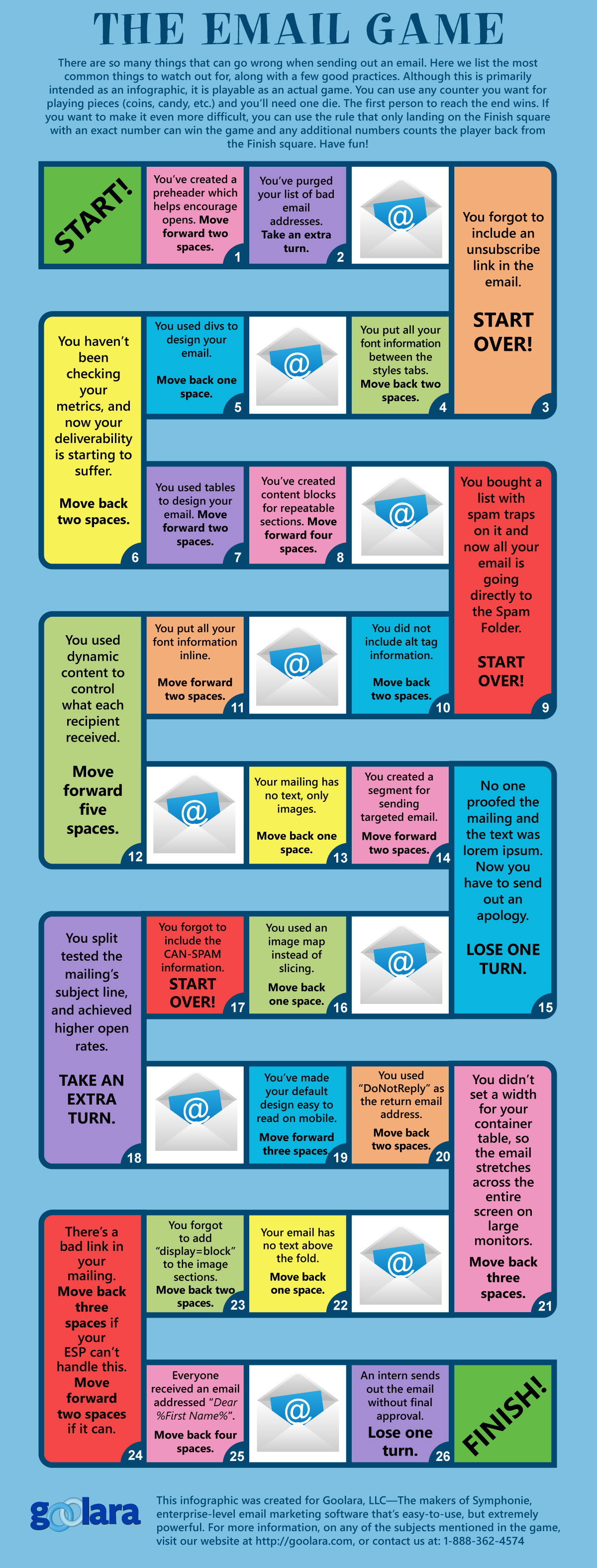
This game went out with a Christmas email newsletter. It’s really an infographic, but designed as a simple dice game. This proved to be very popular. The entire game was constructed in Illustrator.
Design Software:
Adobe Illustrator
LibreOffice
 Jim Morton